


Once you have installed SSL and woudl like to autoredirect your site to https, please follow the steps below:
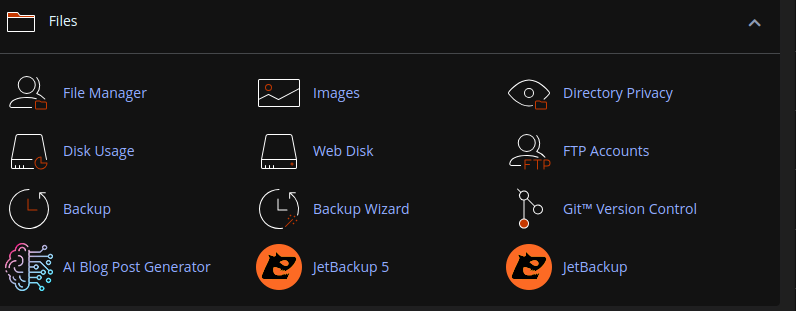
Step 1: Login to cPanel and navigate to File Manager
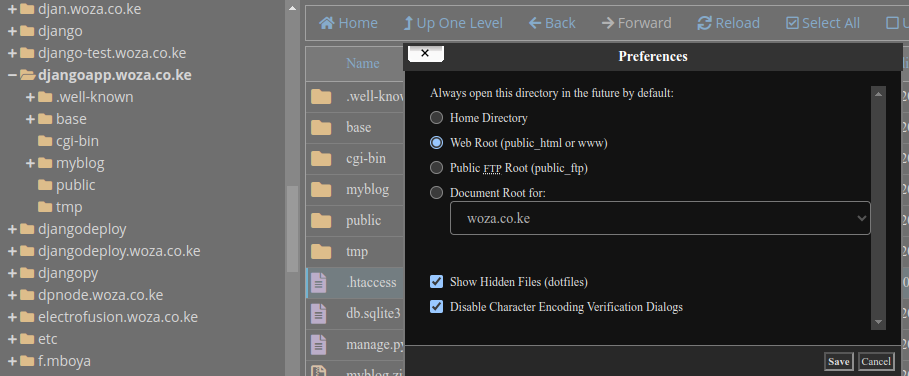
Step 2: Go to your respective domain folder (public_html for main domains)
On the to right, click Settings button and select Show Hidden Files then Save
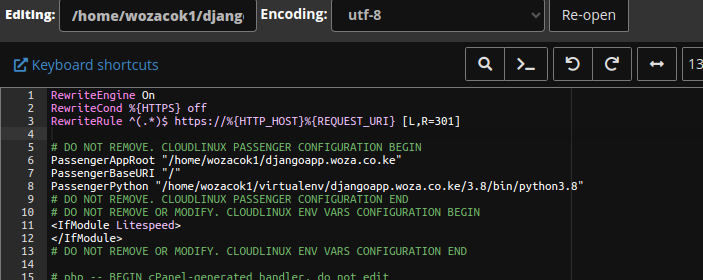
Step 3: Copy the following code snippet to the .htaccess file and save.
RewriteEngine On
RewriteCond %{HTTPS} off
RewriteRule ^(.*)$ https://%{HTTP_HOST}%{REQUEST_URI} [L,R=301]
All done.
